
CueFlow Gallery
Explore real screenshots of CueFlow: POS billing, split bills, pending table sessions, financial dashboards, and customer profiles — built for snooker and billiards clubs across India.
Snooker club software in action
Every screen below is from CueFlow — billing, operations, finance, and admin workflows your staff uses daily.
CueFlow software screenshots
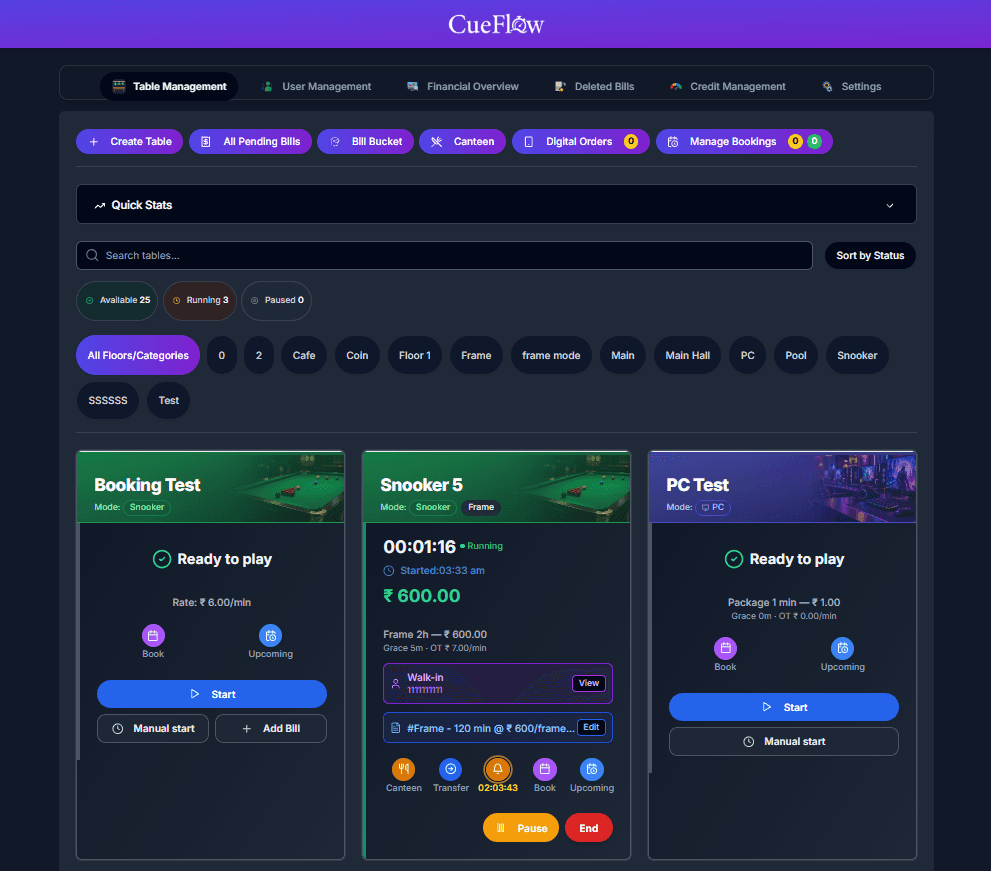
Billing CueFlow POS — Snooker Club Point of Sale
Point-of-sale interface for snooker and billiards clubs: table sessions, canteen orders, and fast checkout in one screen.
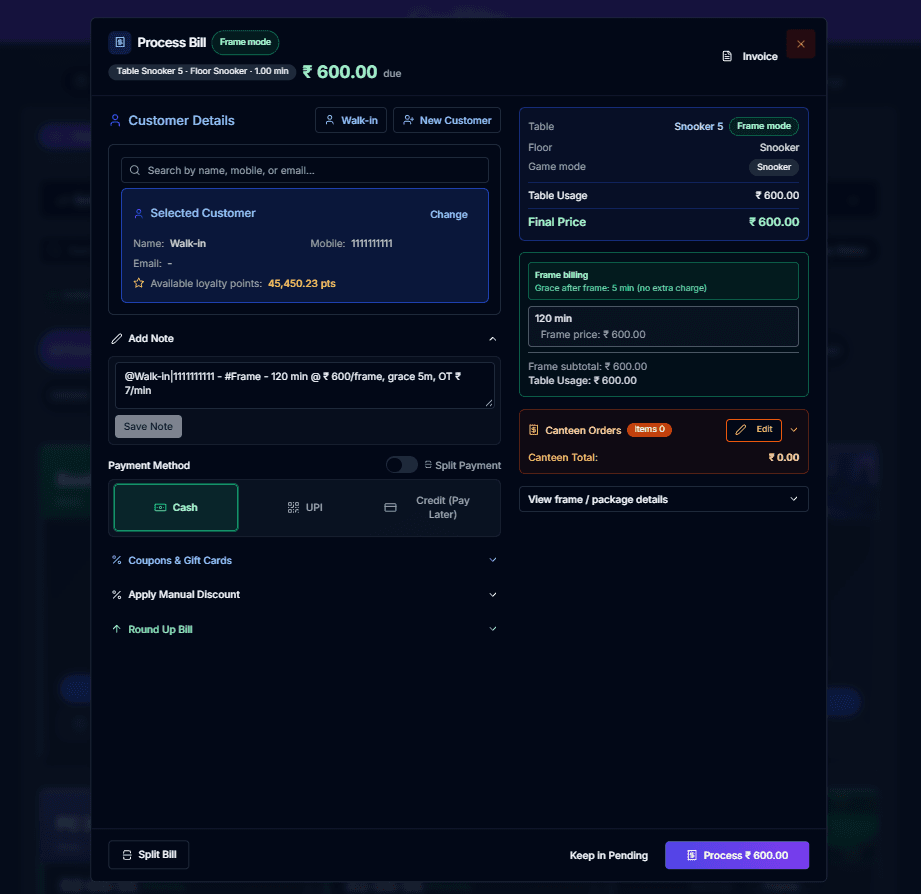
Billing Process Bill — Snooker Table Billing Software
Process and finalize table bills with session time, rates, discounts, and payment options for snooker club staff.
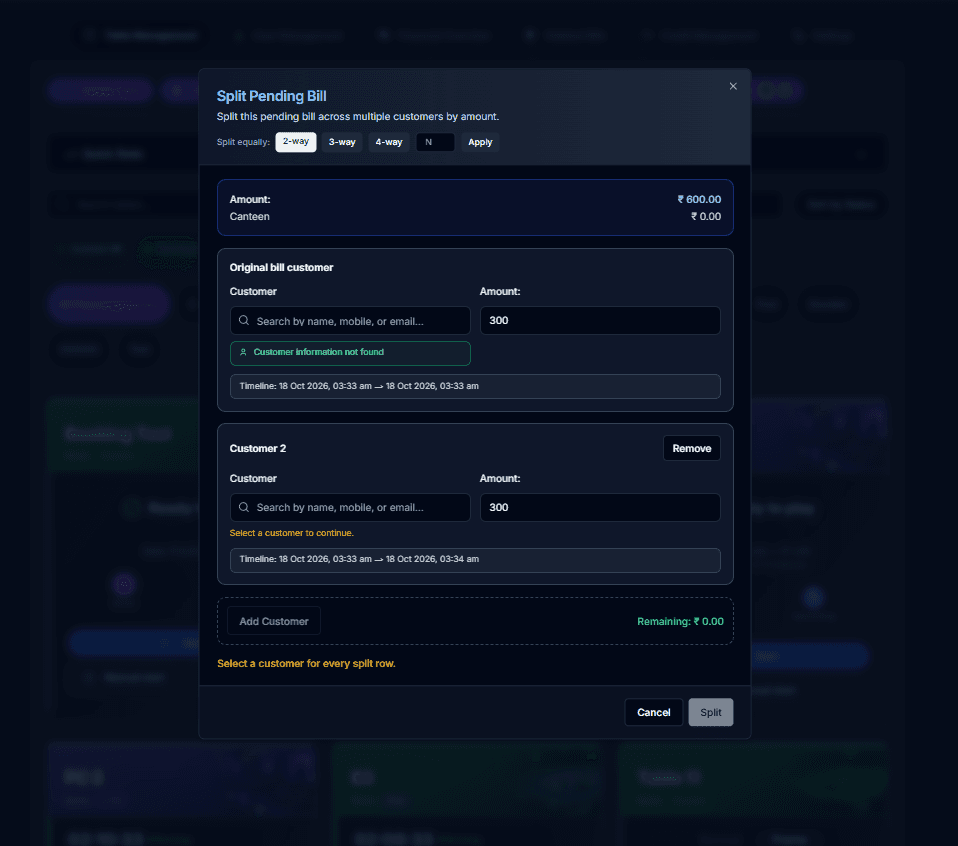
Billing Split Bill — Share Snooker Table Charges
Split a single table bill between multiple players — ideal for group sessions at pool halls and snooker clubs.
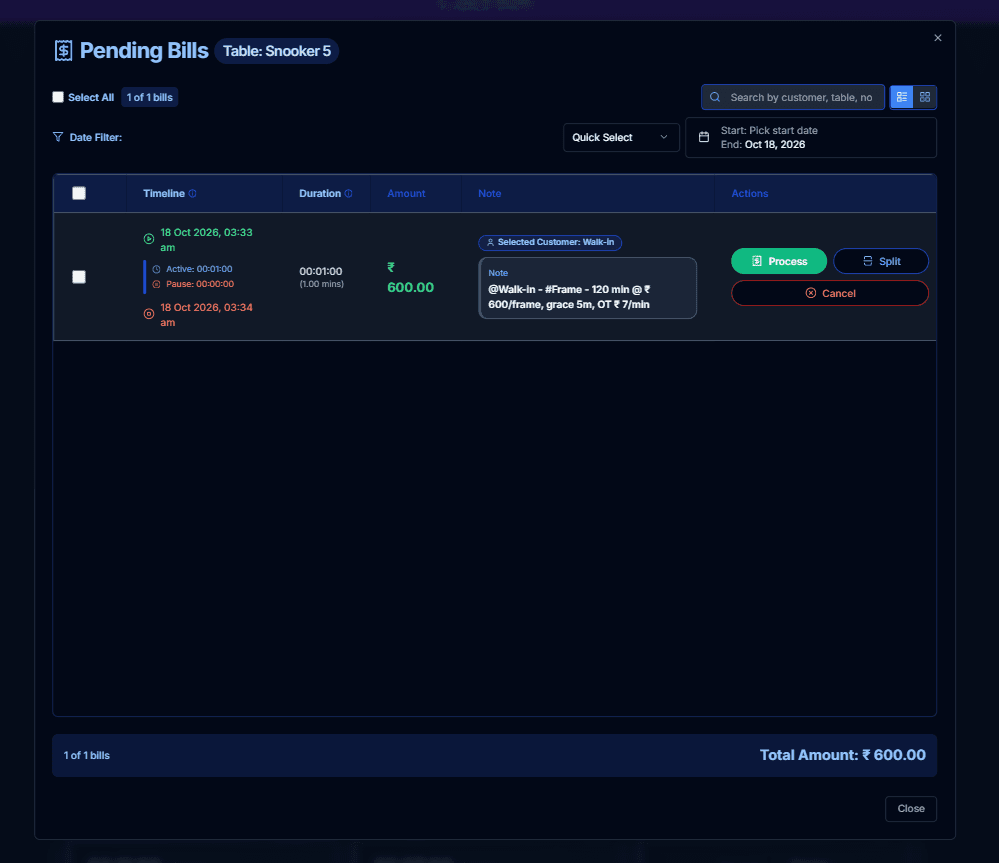
Operations Pending Bills — Active Table Sessions
View all running and pending bills across tables so managers never lose track of open sessions or revenue.
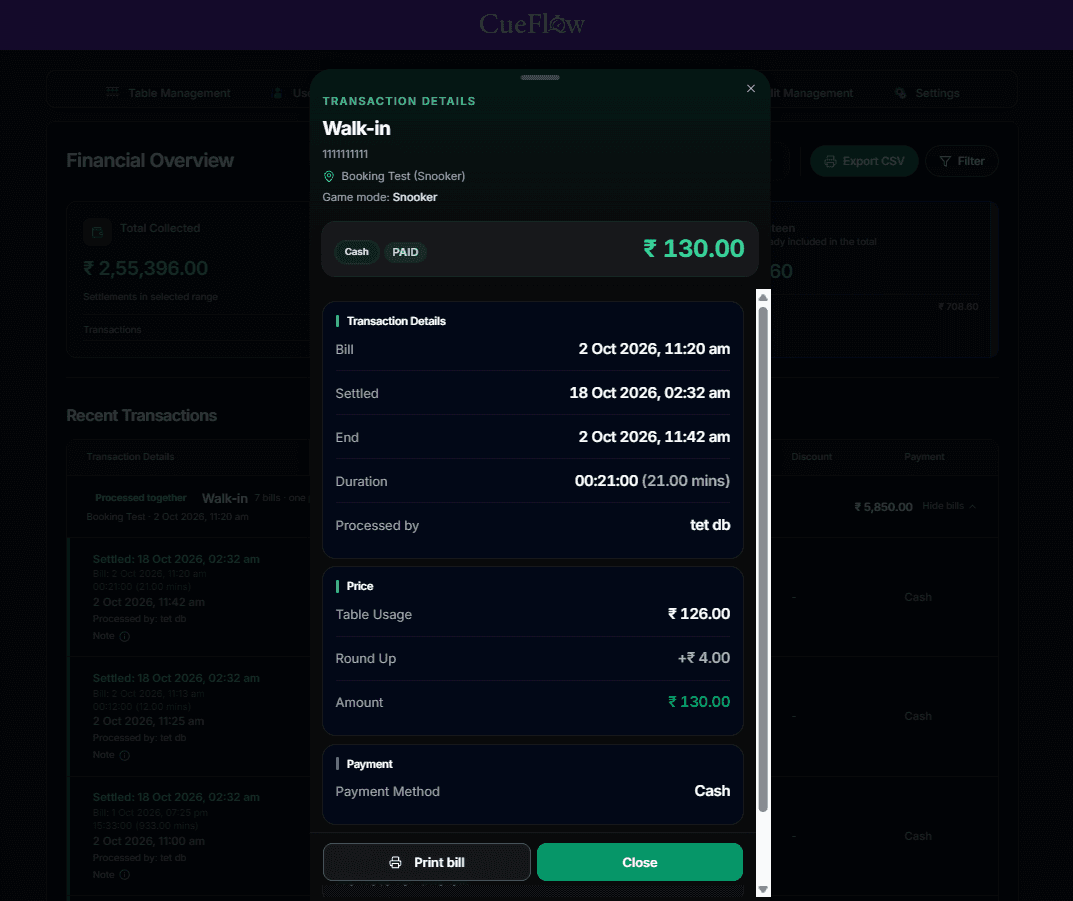
Finance Transaction Details — Payment History
Detailed transaction view with payment method, amount, table, and timestamp for full financial transparency.
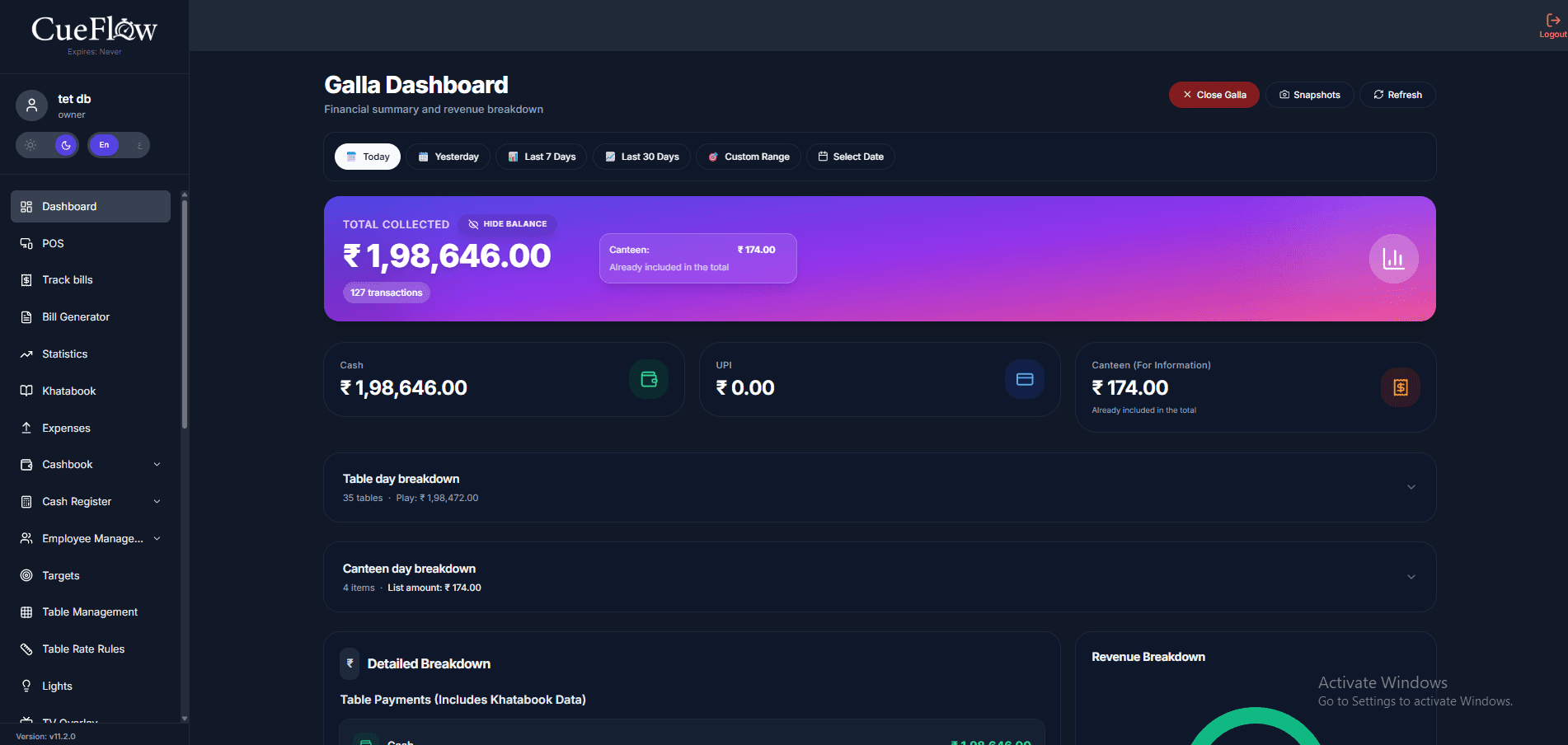
Finance Galla Dashboard — Snooker Club Financial Summary
Galla Dashboard for snooker clubs: total collected, Cash and UPI breakdown, canteen totals, and table-day revenue in one view.
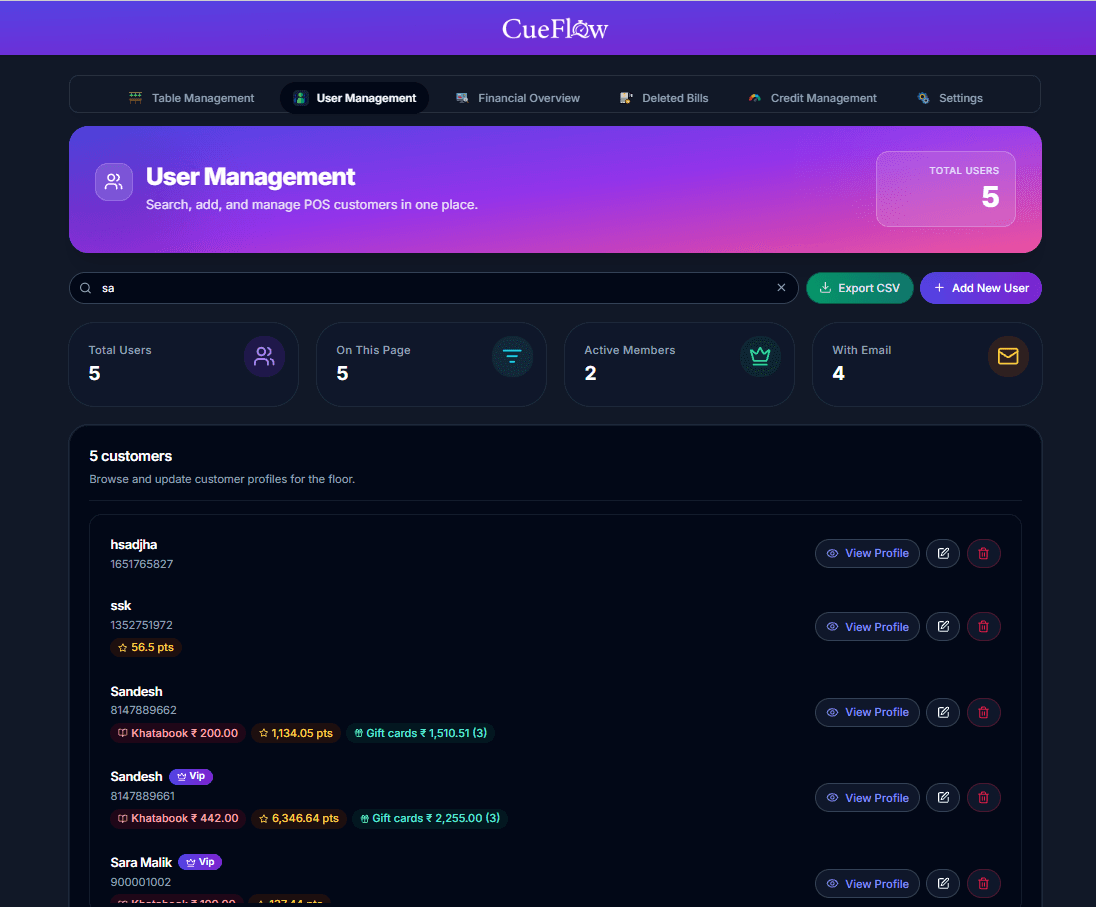
Operations Customer Profile — Snooker Club Member Management
View and manage customer profiles with membership details, contact info, and visit history for your snooker or billiards club.
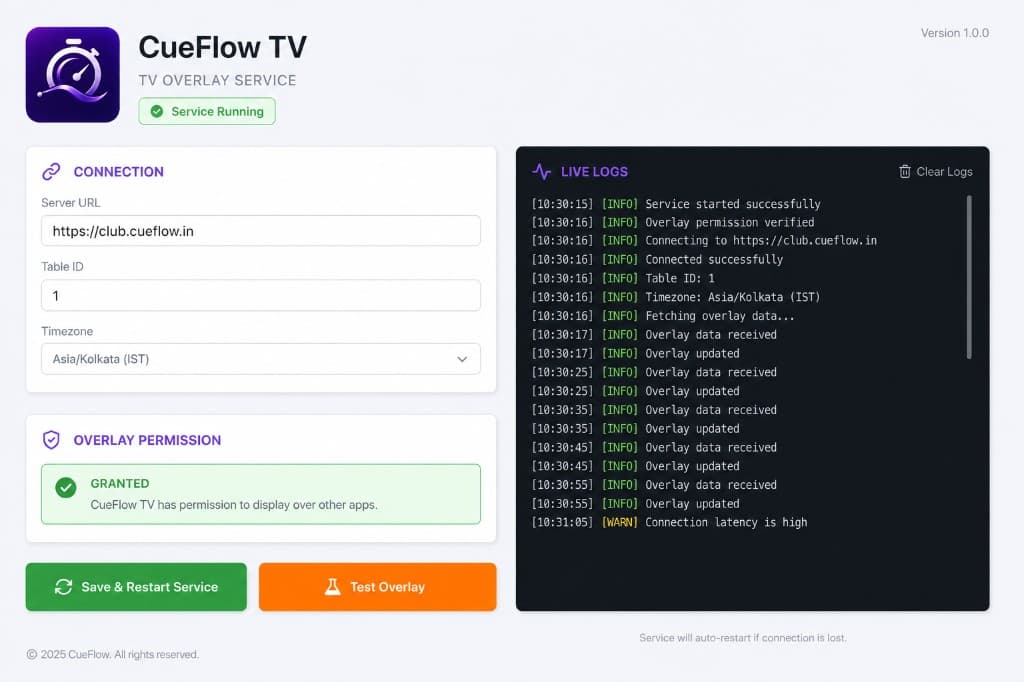
Operations CueFlow TV — HDMI Overlay Setup
Install/connection screen for CueFlow TV, enabling on-TV timer warnings and session-ended overlays for console/game sessions via HDMI.
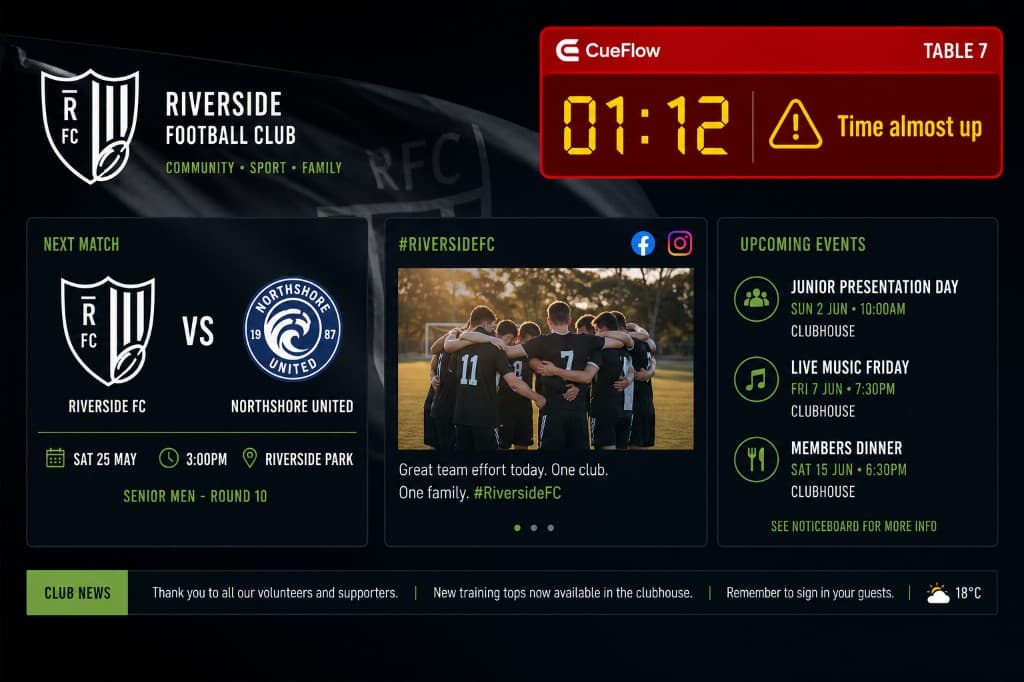
Operations CueFlow TV — HDMI Countdown Warning
Small top-left HDMI countdown warning on the TV as a console/game session approaches the end time.
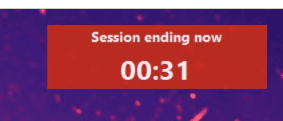
Operations CueFlow PC Agent — Session End Warning
On-PC session ending warning shown about 5 minutes before CueFlow PC Agent auto-locks the gaming station.
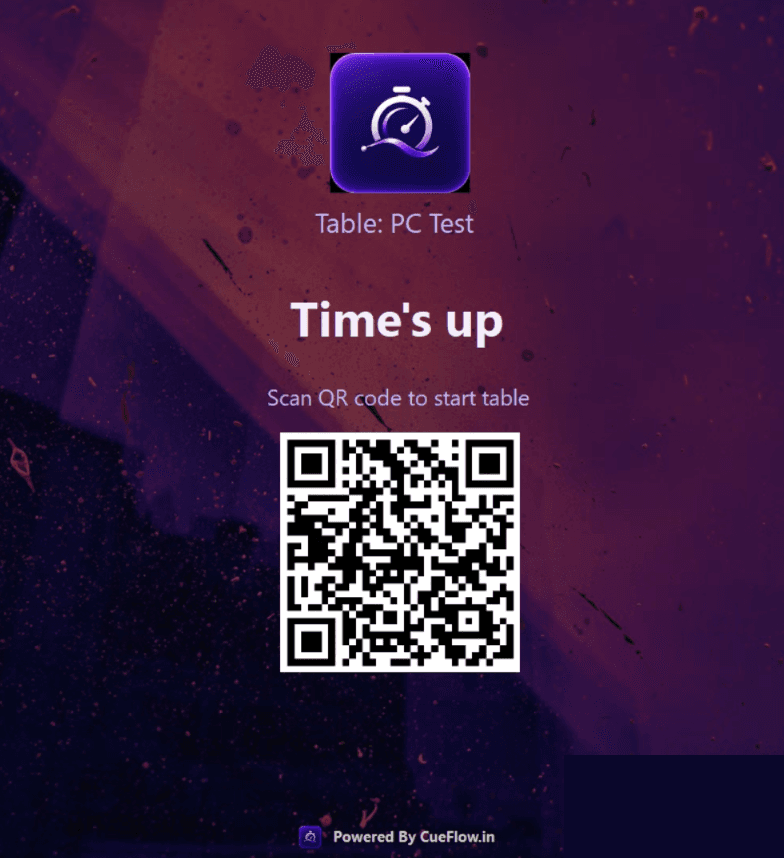
Operations CueFlow PC Agent — Auto Lock Screen with QR
Full-screen Time's up lock on a cafe PC with QR to start the next table session after the timer ends.
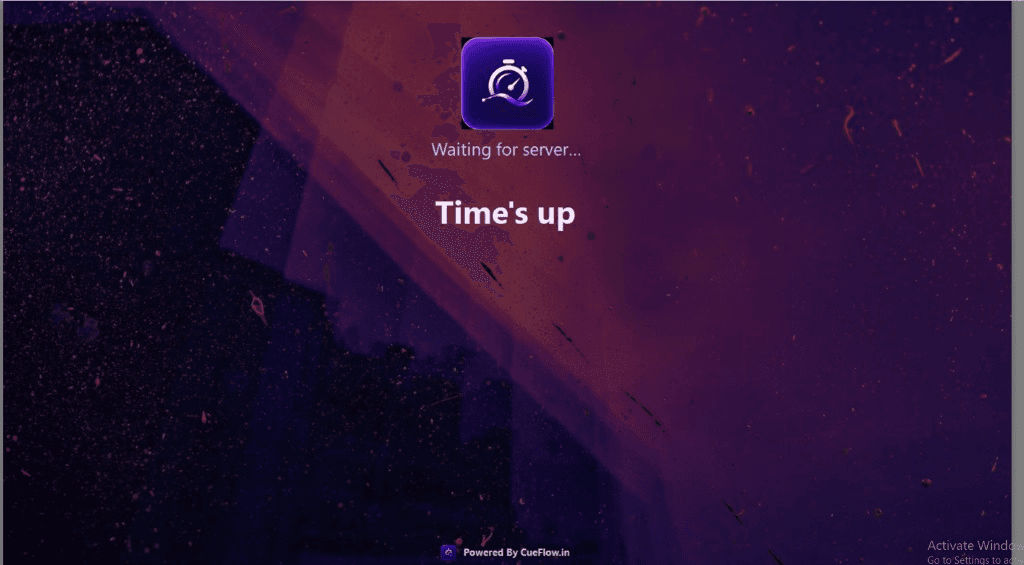
Operations CueFlow PC Agent — Locked Waiting for Server
Locked PC Agent screen while the gaming PC waits for CueFlow to start or unlock the next session.