
CueFlow PC Agent Auto Lock Setup (Warning → Time's Up Lock)
Start a PC session timer from CueFlow. CueFlow PC Agent warns players about five minutes before the end, then locks the Windows gaming PC with a branded Time's up screen so unpaid play cannot continue.
Quick answer
Install PC Agent on each cafe PC, pair it in CueFlow, start a session. The PC warns near the end, then auto-locks when time is up. Manual lock/unlock is available anytime.
💡 Managing a Snooker Club?
CueFlow automates billing, member management & analytics. 7-day free trial, setup in 2 hours.
What CueFlow PC Agent does
It locks the Windows gaming PC when a CueFlow session ends, after a clear ~5-minute on-PC warning — the PC counterpart to CueFlow TV on console TVs.
Start setup via WhatsAppDownload and install CueFlow PC Agent
From cueflow.in/downloads, install CueFlow PC Agent on each Windows gaming PC that should lock with sessions.
Pair the PC with CueFlow at the counter
In CueFlow, connect the PC Agent device to a PC-themed table and confirm the station is online.
Start a timed PC session
Start the session timer from CueFlow (example: 60 minutes). The gaming PC stays unlocked while the paid session runs.
Show the 5-minute warning, then auto lock
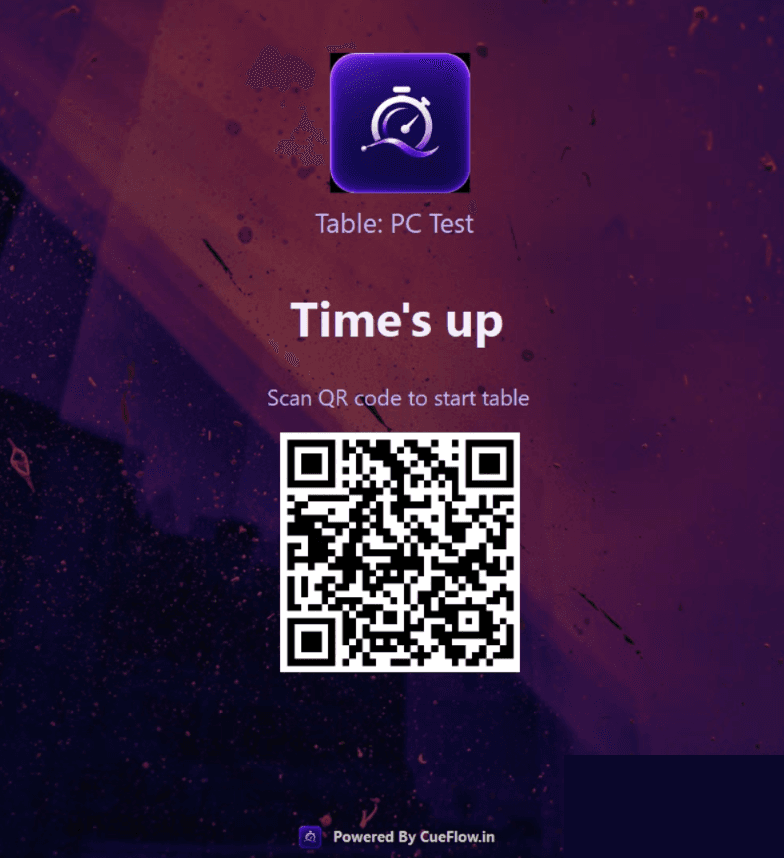
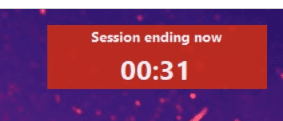
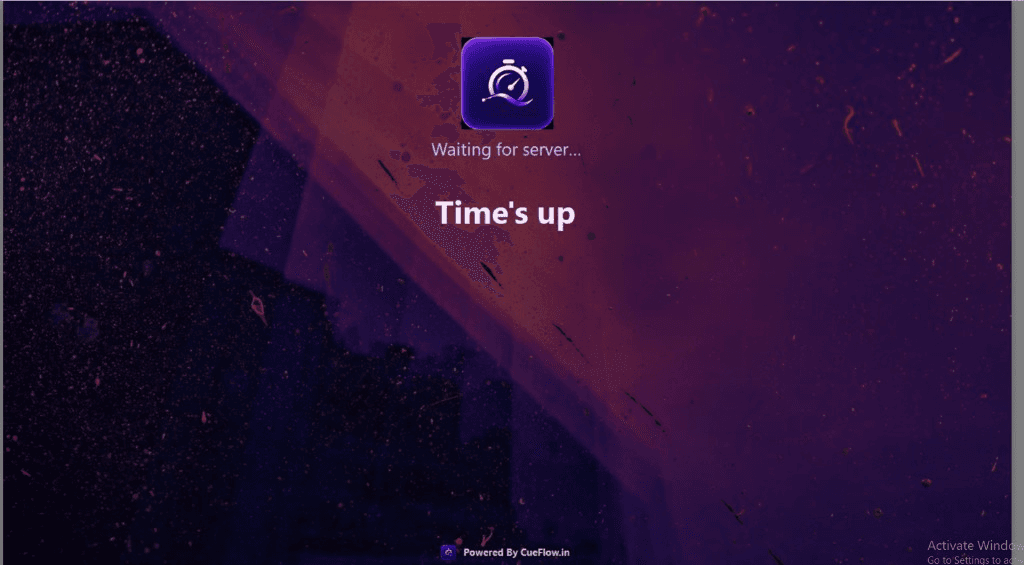
Near the end, the PC shows the session ending warning. When time ends, CueFlow PC Agent locks with Time's up / QR so staff can bill and seat the next player.
What players see on the PC
First the session ending warning countdown, then the full-screen lock. For power saving and Wake-on-LAN, see our hibernate & Wake-on-LAN guide. Running consoles too? Use CueFlow TV HDMI overlay.
Product page: CueFlow PC Agent features · Download: PC Agent installer
Frequently asked questions
What does CueFlow PC Agent show when time ends?
The gaming PC shows a branded Time's up lock screen (often with a QR to start the next table). The session stops so the next customer cannot keep playing unpaid time.
When does the session end warning appear?
CueFlow PC Agent shows an on-PC session ending warning about five minutes before auto lock, so players can wrap up cleanly.
Can staff unlock a PC without waiting for a new booking?
Yes. Staff can manually lock or unlock any paired PC Agent station from CueFlow whenever the floor needs it.
Is this the same as CueFlow TV?
No. CueFlow TV is an HDMI overlay on the club TV for console sessions. PC Agent locks Windows gaming PCs. See also our CueFlow TV guide if you run PS/Xbox stations.
Ready to Transform Your Club?
Join 500+ clubs using CueFlow. 7-day free trial, no credit card required.