
Gaming Cafe PC Hibernate & Wake-on-LAN (Save Electricity with CueFlow)
Empty bays do not need full power. CueFlow PC Agent can hibernate idle gaming PCs, then wake them over the LAN with a magic packet from the Counter PC when the next session starts — cutting electricity cost without slowing the floor.
Quick answer
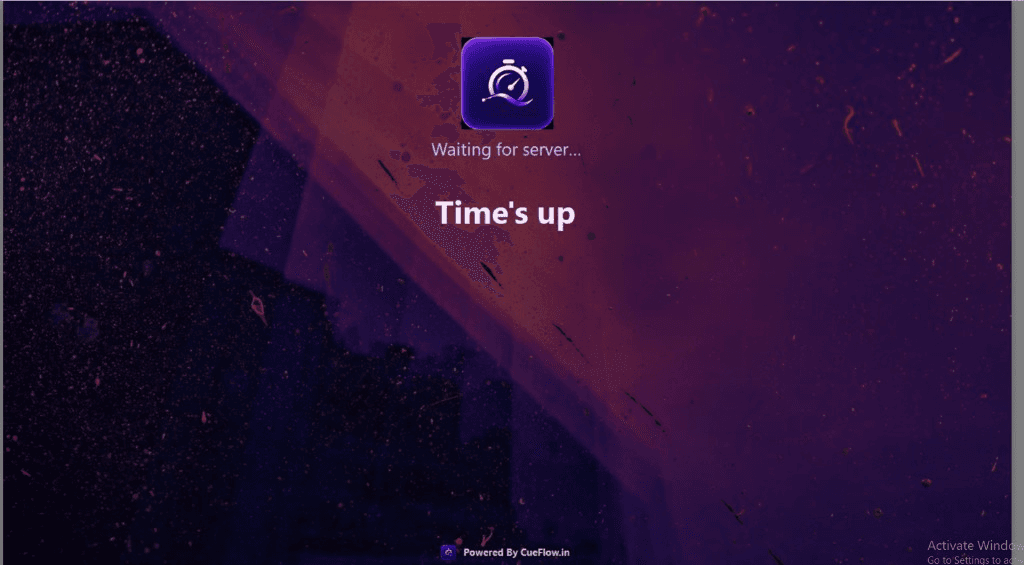
Hibernate idle PCs to save money. When a customer starts, CueFlow wakes the bay from the Counter PC via Wake-on-LAN. Pair this with auto lock setup so paid time still enforces Time's up.
💡 Managing a Snooker Club?
CueFlow automates billing, member management & analytics. 7-day free trial, setup in 2 hours.
Power savings + session control
Hibernate and Wake-on-LAN cut idle electricity. Auto lock and the 5-minute warning still protect revenue when sessions end.
Ask about PC Agent setupInstall and pair CueFlow PC Agent
Install PC Agent on each gaming PC and pair it with CueFlow so the Counter PC can control lock and power actions.
Enable idle hibernate for quiet hours or empty bays
Configure CueFlow / PC Agent so unused stations hibernate instead of staying fully powered when idle.
Start the next session from the counter
When a customer books a bay, start the PC-themed table session in CueFlow as usual.
Wake with a magic packet over LAN
CueFlow sends a Wake-on-LAN magic packet from the Counter PC so the hibernated gaming PC comes online ready for the session.
Full feature list: CueFlow PC Agent. Category page: PC gaming cafe software. Consoles on TVs still use CueFlow TV.
Frequently asked questions
Why should a gaming cafe hibernate PCs?
Idle gaming PCs burn electricity all day. Hibernate drops power draw when bays are empty, then Wake-on-LAN brings them back when a customer starts — without staff walking every station.
What is a Wake-on-LAN magic packet in CueFlow?
From the Counter PC, CueFlow can send a Wake-on-LAN (magic packet) over the cafe LAN so a hibernated gaming PC powers back up when the next session needs that bay.
Does Wake-on-LAN replace auto lock?
No. Auto lock (and the 5-minute session warning) still stops unpaid play. Hibernate and Wake-on-LAN are power-management features that work with CueFlow PC Agent session control.
Do I need special hardware?
Gaming PCs and the network must support Wake-on-LAN (common on cafe motherboards and wired LAN). Your CueFlow onboarding can help verify BIOS/network settings if a bay does not wake.
Ready to Transform Your Club?
Join 500+ clubs using CueFlow. 7-day free trial, no credit card required.