
Console Gaming Billing + CueFlow TV HDMI Overlay Setup: Timer to Session End
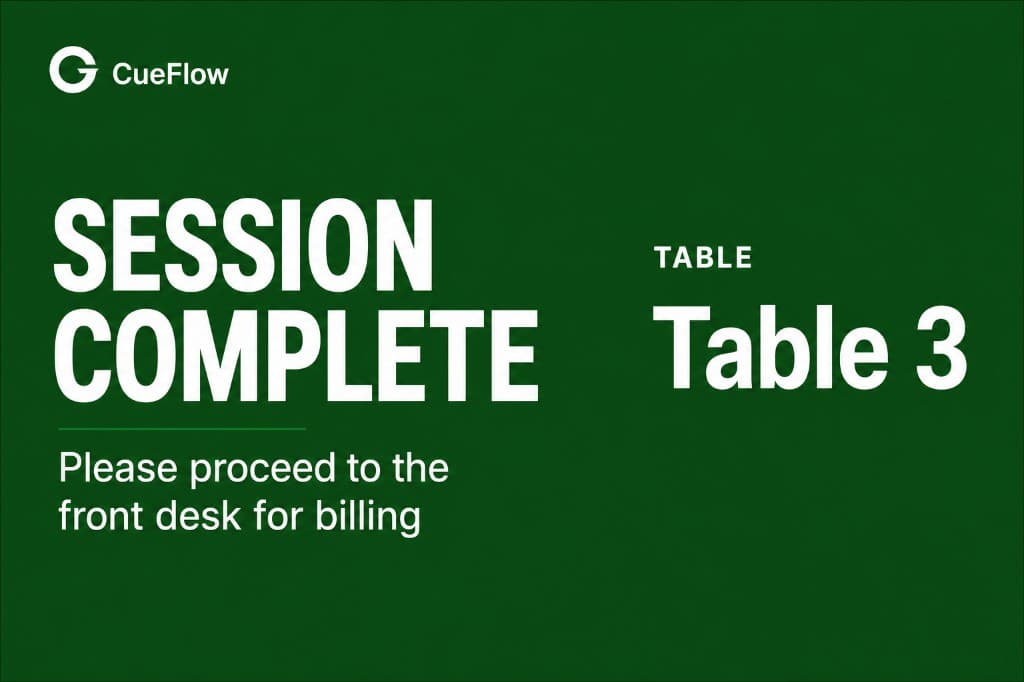
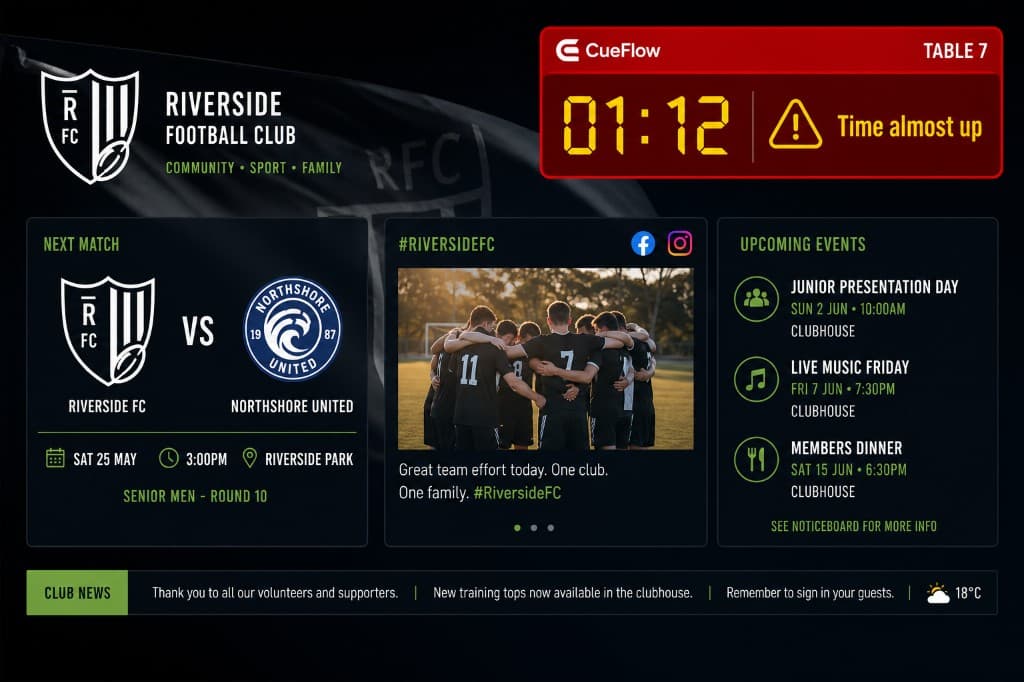
Start the console/game session timer from CueFlow (example: 60 minutes). CueFlow TV then shows a small HDMI countdown warning on the TV (top-left). When the time ends, it switches to a session-ended overlay and stops the session.
Quick answer
Install CueFlow TV on the TV, connect it once, then start session timers in CueFlow. The TV shows the countdown warning and the session-ended overlay automatically.
💡 Managing a Snooker Club?
CueFlow automates billing, member management & analytics. 7-day free trial, setup in 2 hours.
Built for busy venues
When staff set a timer in CueFlow, the TV becomes the visible reminder with the countdown warning and session-end overlay, reducing disputes at checkout.
Start setup via WhatsAppInstall CueFlow TV on the TV
Install the CueFlow TV app on the TV and complete setup so it can receive overlay updates.
Connect CueFlow to the TV overlay service
From the CueFlow app/dashboard, connect and verify that CueFlow TV is receiving updates for your venue.
Start a console/game session timer in CueFlow
Create/start the console/game session and set the duration (example: 60 minutes).
Set reminders (timer warning)
CueFlow uses the session duration to trigger the top-left countdown warning overlay on the TV near the end.
Session ends with overlay
When the time ends, the TV switches to a session-ended overlay and the session stops.
Example TV overlay
During the session you’ll see a small HDMI countdown warning (top-left). When time ends, you’ll see the session-ended overlay automatically.
Frequently asked questions
How does CueFlow connect to the TV overlay?
Install CueFlow TV on the TV, connect it once, then start the session timer from CueFlow. CueFlow TV drives the overlay updates during the session.
Does the TV overlay work regardless of HDMI device plugged in?
Yes. The HDMI overlay is shown on the TV for the running session timer (PS/Xbox are examples of what venues commonly connect).
What happens when the timer ends?
CueFlow TV switches to a session-ended overlay and the session stops, so staff can bill and close out cleanly.
Can staff set timers like 60 minutes and reminders?
Yes. Staff configures the session duration in CueFlow (example: 60 minutes) and CueFlow TV uses that timer to show the warning countdown and session-end overlay.
Ready to Transform Your Club?
Join 500+ clubs using CueFlow. 7-day free trial, no credit card required.